
Take orders online and at the table. No monthly fee.
Guests order and pay from their phones, whether they're at home or at your tables. Orders ring on a tablet in your kitchen. No contract and no delivery-app commission.



Your guests already want to order from their phones.
The phone rings through the rush
Orders come in typed, paid and on the tablet instead of read back over a bad line.
Guests want to order ahead
They expect to order from their phone and pick up when it's ready. Give them a link that works.
The counter backs up
Guests at the table scan a QR code, order and pay themselves, so your staff can run food instead of taking orders.
Delivery apps take a cut
Orders from your own page are yours: no marketplace commission and no customer list held by someone else.
From sign-up to first order in three steps.
- 1
Sign up and add your menu
Create your account, enter your menu, prices and hours in the dashboard.
- 2
Get your kitchen tablet
We ship you a tablet that rings when an order comes in. Add a Star printer if you want paper tickets.
- 3
Share your ordering link
Put it on your website, Google profile and Instagram, and print QR codes for the counter and tables.
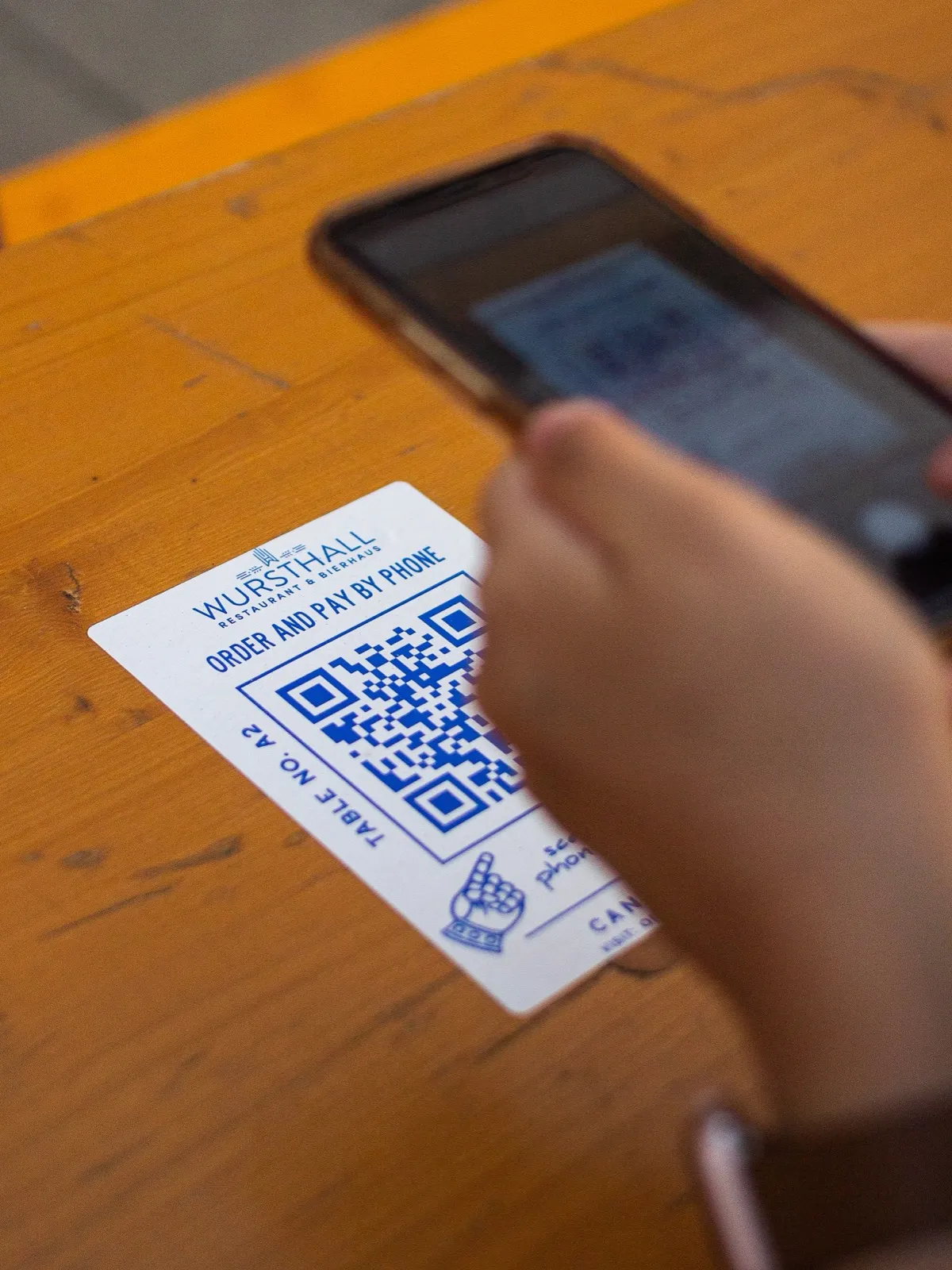
Let guests order and pay from the table.
- Shorter lines at the counter during the rush
- Each code carries its table number
- Guests scan, order and pay without waiting
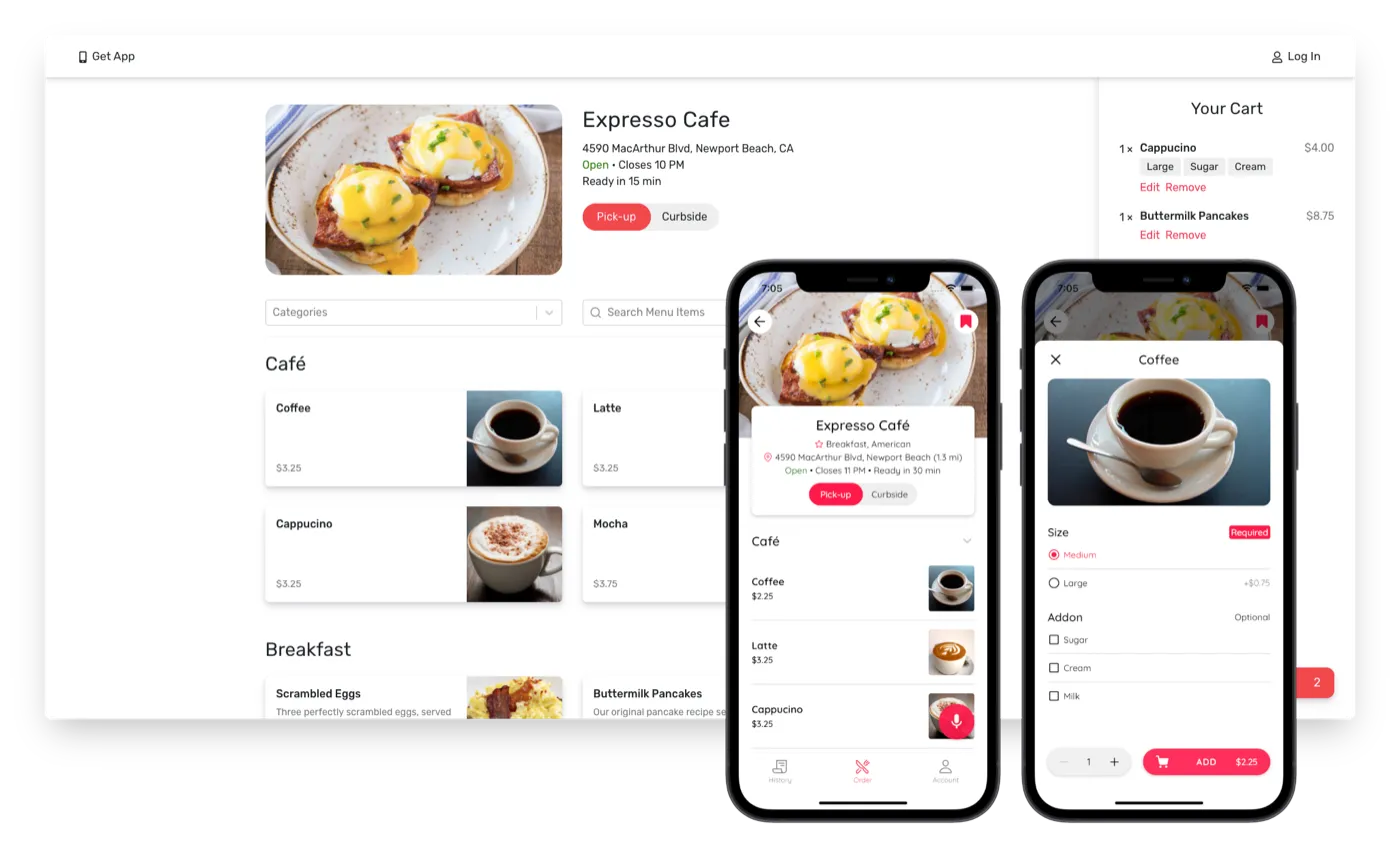
An ordering page that's ready on day one.
- Your menu, photos, hours and prep times
- Pickup, curbside and scheduled orders
- Text updates and an emailed receipt for every customer
- Apple Pay, Google Pay and saved cards
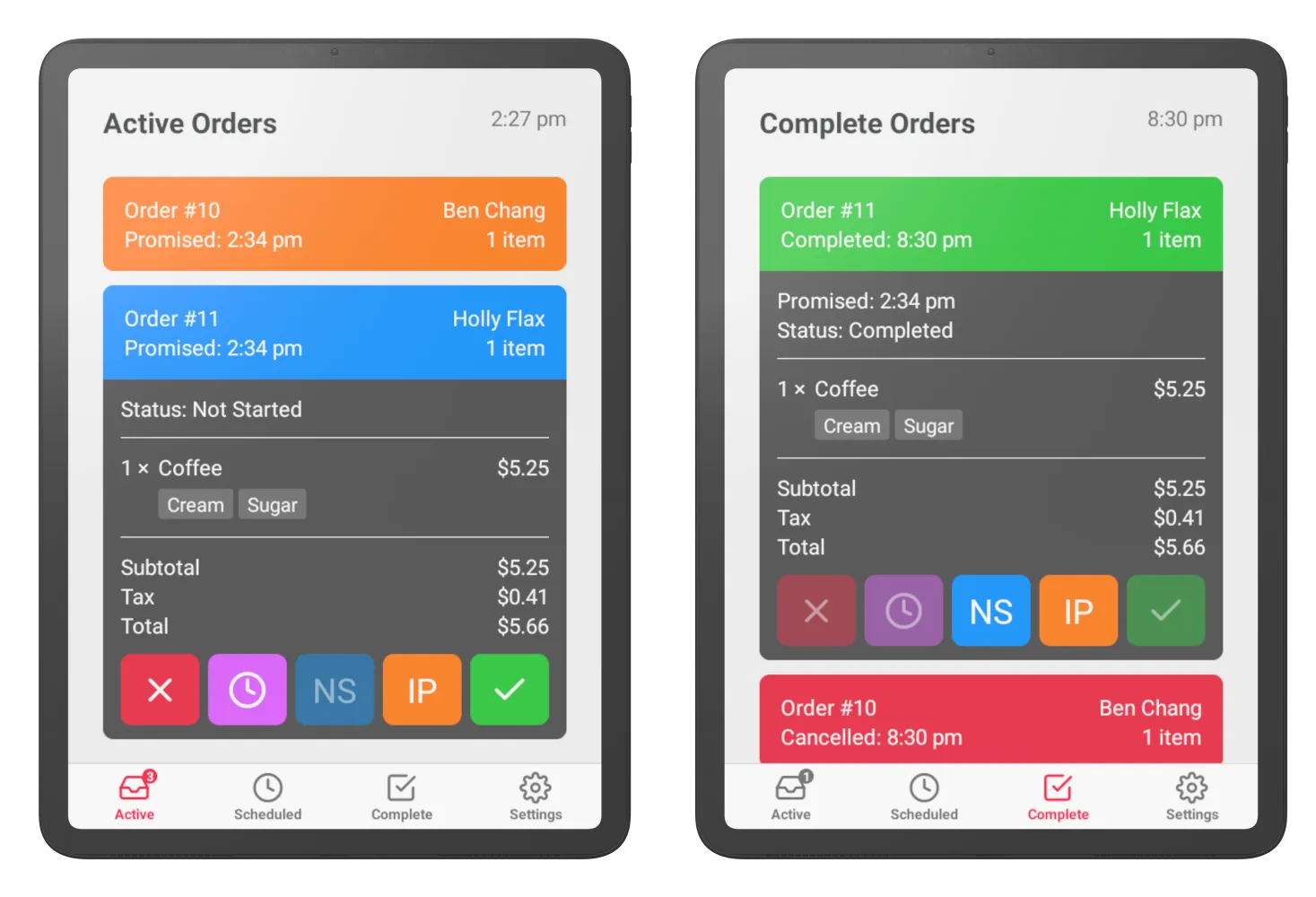
Every order on one tablet in the kitchen.
- New orders ring as they arrive
- Track each order from new to done, and text customers when it's ready
- Prints tickets on Star Micronics printers
Everything you need to run it day to day.
Promo codes
Percent or dollar off, with start and end dates and a usage limit.
Menu schedules
Breakfast, lunch and dinner menus that switch on by day and time.
Holiday closures
Close for a day ahead of time so nobody orders when you're shut.
Pause and sold out
Pause orders in a rush and mark items or options sold out from the tablet.
Prep time rules
Longer pickup times for your busy hours, set once.
Refunds from the tablet
Refund a whole order or just the items you couldn't make.
Curbside, dine-in and to-go
Curbside orders arrive with the car's details; table orders with the table number.
Sales reports
Gross and net sales, tips, ticket size and orders per day, plus every payout.
Multiple locations
One account, a location picker page for guests, and menus that sync across stores.
Printed tickets
Auto-print every order on a Star Micronics printer.
No monthly fee. Pay only when you get orders.
- No setup fee and no contract
- Kitchen tablet: $100 one time
- Card processing: 3.2% + 30¢ per order
- Weekly payouts to your bank account
Frequently asked questions
Do I need a website?
No. You get your own ordering page with a link you can share anywhere. If you have a website, link to it from there.
What does it cost?
No monthly fee and no contract. The kitchen tablet is a one-time $100. On each order, card processing of 3.2% + 30¢ comes out of your payout.
Do my customers pay anything extra?
Customers pay a 2.5% convenience fee, shown at checkout with the tax.
How do I get paid?
Payouts go to your bank account every week through Stripe, with a report of every order in your dashboard.
What hardware do I need?
Just the Expresso tablet. Star Micronics receipt printers are supported if you want printed tickets.
Can guests order from the table?
Yes. Print a QR code for each table; orders come in with the table number attached.
Take your first online order this week.
Sign up, add your menu and share your link. Questions first? We're happy to talk.